

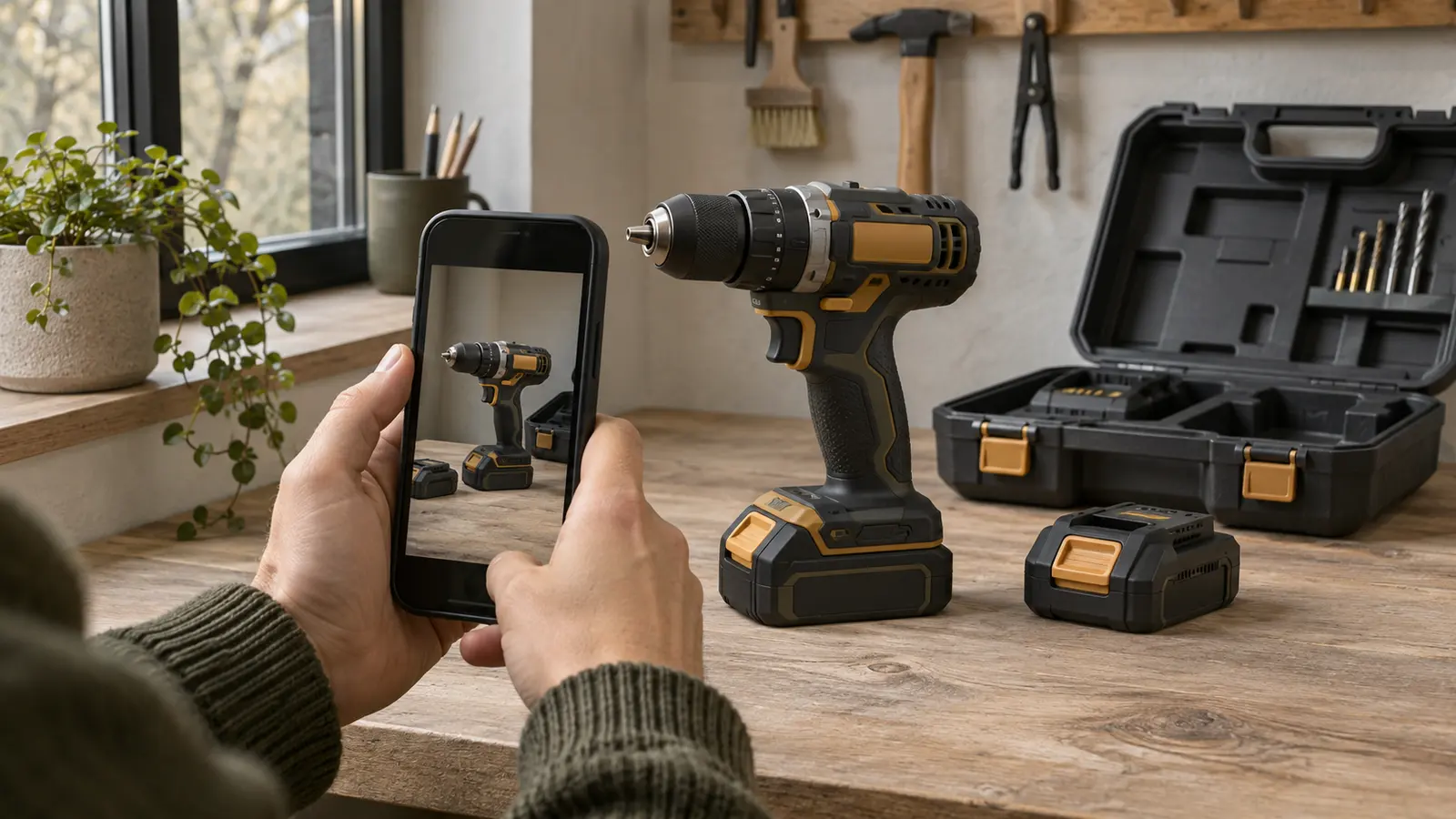
1. Choose your first item to rent out
Look for something people might need for a particular job or occasion. Start with an item you have the right to rent out, can test yourself and have time to hand over and collect. If it has a fault that affects safety, fix it before listing. Check any category requirements before offering valuable, specialist or regulated equipment.
| Item | Why someone might need it | What to check |
|---|---|---|
| Drill or rotary hammer | A one-off DIY project | Test the batteries and charger and list the bits you supply. |
| Carpet or upholstery cleaner | Cleaning a sofa or rug | Check the tanks and spray nozzle. Say who supplies the detergent. |
| PA speaker | A small party or presentation | List the inputs, power cable and anything needed to transport it. |
Look at comparable offers in your town. Check what is included and how collection works before comparing prices. The listings show you what is on offer locally. Actual requests will tell you more about interest in your own item. For more ideas, see our guide to things people can rent for occasional use.
2. Prepare the item, photos and description
Clean the item, test its main function and lay out the accessories. Use daylight and put the whole item in the centre of the cover photo. Add close-ups of relevant connections, accessories and visible wear. Use photos of the actual item the renter will receive.
Use the item type and model in the title. Explain what it is suitable for, which accessories are included and what the renter needs to bring or buy. Add weight or dimensions if they matter for collection, and mention any known defects or limitations.
3. Set the price, deposit and rental terms
Daily price. Compare the price of the same or similar models, the accessories included and how convenient collection is. Allow for cleaning, supplies, maintenance and the time you spend on both handovers. A discount for a longer rental may make sense if it means fewer handovers for the same number of rental days.
Deposit. You set the deposit separately from the price. Consider the item's value and the likely cost of replacing an accessory or making a repair. The deposit is held on the renter's card together with the rental price, so consider the total amount they will need available. A deposit is not insurance.
Availability and handover. Block dates in the listing calendar when you need the item yourself or cannot hand it over. Leave enough time to inspect and clean it between rentals. State where it can be collected, which handover options you offer and what must come back with it. Check the cancellation terms shown on your listing.
What does the owner receive?
Publishing a listing is free. The standard platform fee for owners is 10%. It is calculated on the rental price after discounts plus any paid delivery included in the reservation. The minimum fee is €2.50 per reservation. You will see the exact fee and estimated payout in the request summary before accepting it.
If you are deciding which tool to list first, compare these tool rental earnings scenarios with your own costs and available days.
4. Register and publish your listing
Open or install the Naudokis app. Create an account and follow the registration prompts. Once signed in, tap Add in the bottom menu to start a new listing.
Checklist
- Enter the title, choose the most specific category and fill in any required item details.
- Describe the item, set the daily price and item value (not shown on the listing), then review the rental and handover terms.
- Upload at least one photo, review the listing and select Publish.
Private owners need a verified phone number and identity to publish. Add a public display name if prompted and follow the in-app identity verification steps. If publication is blocked, complete the steps shown and return to the draft to finish. Check that the listing is active when you are done.
5. Review the request, hand over the item and check its return
Check the dates and wait for payment
Review the renter's profile, dates, handover method and estimated payout. You usually have 24 hours to respond, and the exact deadline is shown on the request. When the renter submits the request, they authorise payment and the amount is held on their card. When you accept, the renter is charged for the reservation and the deposit stays on hold. If you decline or do not respond in time, the hold is released. Check that payment has gone through before handing over the item.
Record condition at collection and return
Agree the time, place and accessories in Naudokis messages. Test the item together, explain how to use it safely and photograph the condition and accessories. Repeat the check on return and record the return in the reservation. If anything is missing or damaged, save the photos and file a claim promptly by the deadline shown in the reservation.
Check your payout status
Complete payout setup in the app and supply the bank, identity and tax details it asks for. If the app asks you to finish payment account setup before accepting a request, follow those prompts. A payout can be initiated after the rental is complete and the payment has settled, subject to disputes and any further checks. The payout schedule, Stripe and your bank affect when the money arrives. The owner walkthrough covers the whole process.
6. Keep records for Lithuanian tax
If you hire out equipment through a company, see how to get more rental orders and assess the costs.
Keep a record of the rental price, platform fee, payout and receipts for each rental. Lithuania's State Tax Inspectorate (VMI) says that if you rent an item to another individual outside individual activity, you declare the income and pay the income tax yourself. You declare it in the annual GPM311 return by 1 May of the following year, and the rate depends on your annual taxable income. One-off or occasional rental does not require registering individual activity. If you rent items independently, regularly and for economic benefit, you may need to register it. VMI looks at all the circumstances, and the number of transactions alone is not decisive.
Article 6.477 of Lithuania's Civil Code defines a rental agreement, and Article 6.483 covers handing the item over to the renter: it must match the agreed terms and its intended purpose. Keep agreed terms in the reservation and follow the Naudokis terms of use. Under DAC7, platforms report certain activities to VMI, including vehicle rental. Even if a platform reports your activity, you still declare your own income.
If the listing is live and requests are slow
- Check how the listing reads in search. Use a recognisable item name, the right category and a cover photo showing the whole item.
- Look at the offer from the renter's side. Compare the total price, deposit and collection terms with similar items. Make it clear which accessories and supplies are included.
- Check your calendar and messages. Offer dates you can reliably cover and respond by the deadline on each request. If you adjust the price or cover photo, give the change time before deciding whether it improved interest.
Related articles
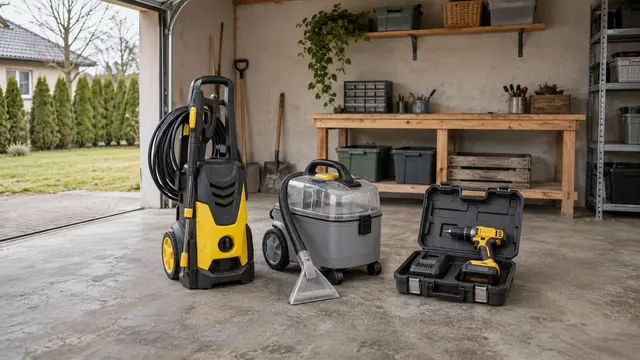
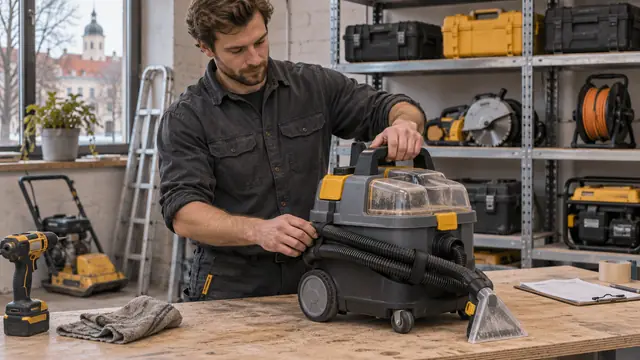
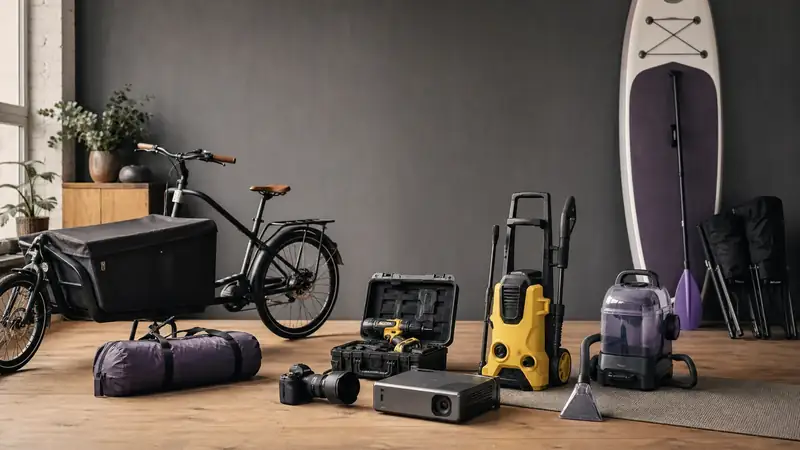
Sources
We checked the owner steps against the Naudokis app and reservation system and verified standard fees against the configuration in force on 11 November 2026. The legal and tax sections draw on Lithuania's Civil Code and State Tax Inspectorate guidance.
- Listing, reservations and payouts (Naudokis owner walkthrough)
- Naudokis terms of use
- App configuration and standard platform fees (JSON)
- Lithuanian Civil Code, articles 6.477 and 6.483
- How rental income from other property is taxed
- Do you need to register individual activity to rent out property?
- DAC7 frequently asked questions